
By MiloTech · Douala, Cameroon · October 2026
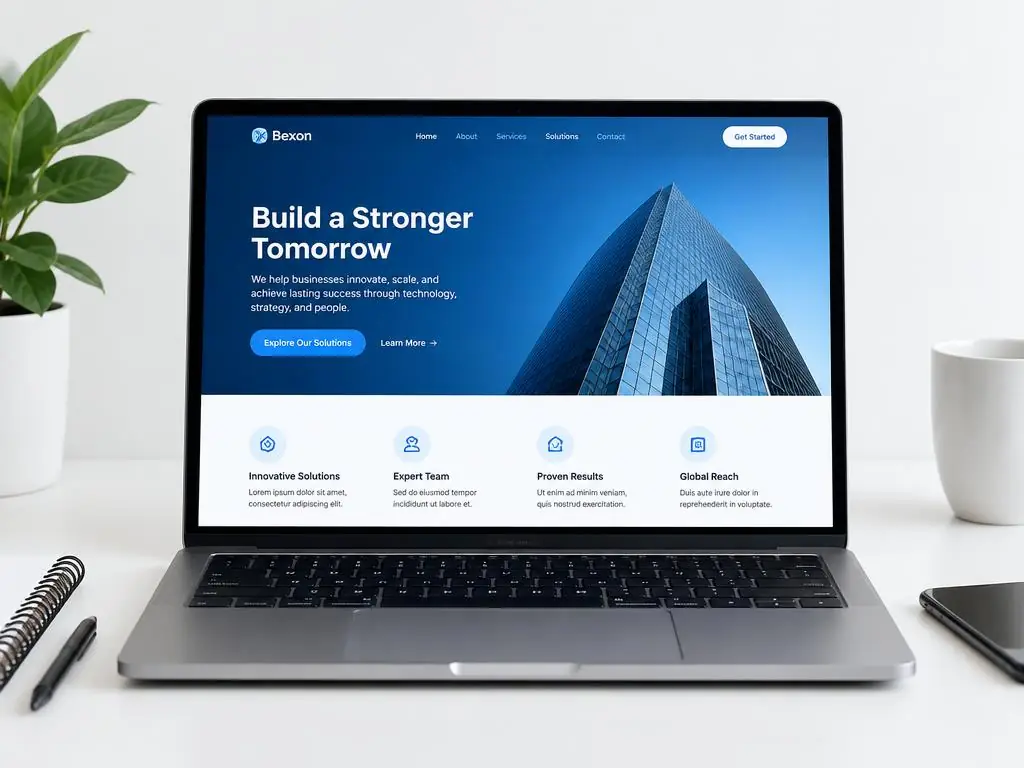
A website redesign is a substantial change to an existing site's layout, content structure or underlying technology. For a business in Cameroon, the decision should start with a customer problem, not a desire to follow the latest visual trend. Can visitors understand your services, use the site on their phones and successfully contact you?
If the answers are unclear, investigate before replacing everything. This guide focuses on improving an existing business website. It complements our website pricing and maintenance guides rather than treating every problem as a new-build project.
Signs your business website needs attention
Test your site as a prospective customer. Open a service page on a phone, find the information needed to make a decision and send a genuine test enquiry. Record the failure points instead of relying only on how the homepage looks.
- Difficult mobile use — Text is hard to read, menus obstruct content or forms do not fit the screen.
- Unclear or outdated information — Services, contact details or examples of work no longer reflect the business.
- Failed customer actions — Forms, booking tools or checkout fail. Fix these urgently; they do not always require a redesign.
- Difficult updates — Your team cannot maintain essential content, or the current system cannot support a needed function.
Targeted fixes or a complete redesign?
| Situation | Start with |
|---|---|
| A few outdated pages, but the site works well | A content refresh and routine maintenance |
| One slow page or a broken enquiry form | A focused technical diagnosis and repair |
| Confusing navigation across most pages | A review of structure and page design |
| An unsupported system or a major change in business needs | A rebuild assessment with a migration plan |
A newer-looking site is not automatically a better site. Keep useful content, successful customer journeys and familiar brand elements unless there is evidence that they need to change.
Prepare a redesign brief before requesting quotes
For a business in Douala, Yaoundé or elsewhere, a useful brief connects website changes to real operations. Choose a primary goal, such as qualified service enquiries, completed bookings or successful orders. Avoid a vague instruction to make the site more modern.
- 1.List pages to keep, revise, merge or remove, and identify who approves the content.
- 2.Specify required functions: contact delivery, WhatsApp links, payments, bookings or customer accounts. Include the language needs of your audience, such as English and French.
- 3.Confirm ownership and access to the domain, hosting, content, analytics and connected services without sharing passwords in the brief.
- 4.Agree on deliverables, review stages, launch checks and post-launch responsibilities in writing.
Protect existing SEO when redesigning a website
A redesign can affect search visibility when page addresses, content or indexability change. There is no guarantee of unchanged rankings, but a deliberate migration avoids preventable errors. Ask the developer for an old-to-new page map before launch.
- Keep existing URLs where possible. If a page genuinely moves, use a permanent server-side redirect to its closest relevant replacement, not the homepage by default.
- Preserve useful page content, clear headings, relevant titles and descriptions. Check that canonical tags point to each intended page.
- Remove staging-only access restrictions and noindex directives from public pages at launch. Check robots.txt, the sitemap and internal links against the final URLs.
- Compare Search Console clicks, impressions and page coverage before and after launch. A sitemap submission supports discovery; it does not guarantee indexing.
What affects a website redesign budget?
The cost depends on the existing system, pages to migrate, content rewriting, design changes and integrations. Moving a working store with products and orders is different from updating a small service website. Request a scoped quotation rather than assuming a new-website package includes migration.
Ask for development, migration, domain and hosting renewals, third-party charges and ongoing support to be separated. MiloTech's published packages provide a planning reference, not a fixed redesign quote.
A practical launch checklist
- 1.Back up the current site and agree on a recovery plan before changes go live.
- 2.Test important pages on phones and computers, including both language versions, menus and readable text.
- 3.Submit a real enquiry and confirm it is received. Test bookings or payments in the provider's test mode where applicable.
- 4.Check redirects, broken links, image descriptions, HTTPS and indexing directives on the deployed site.
- 5.Confirm analytics still record the intended customer actions, then monitor errors and search performance after launch.